HFnGG

Designing onboarding and learning for a gaming platform

My Role
Branding, product design, prototyping, workshops
Industry
Gaming
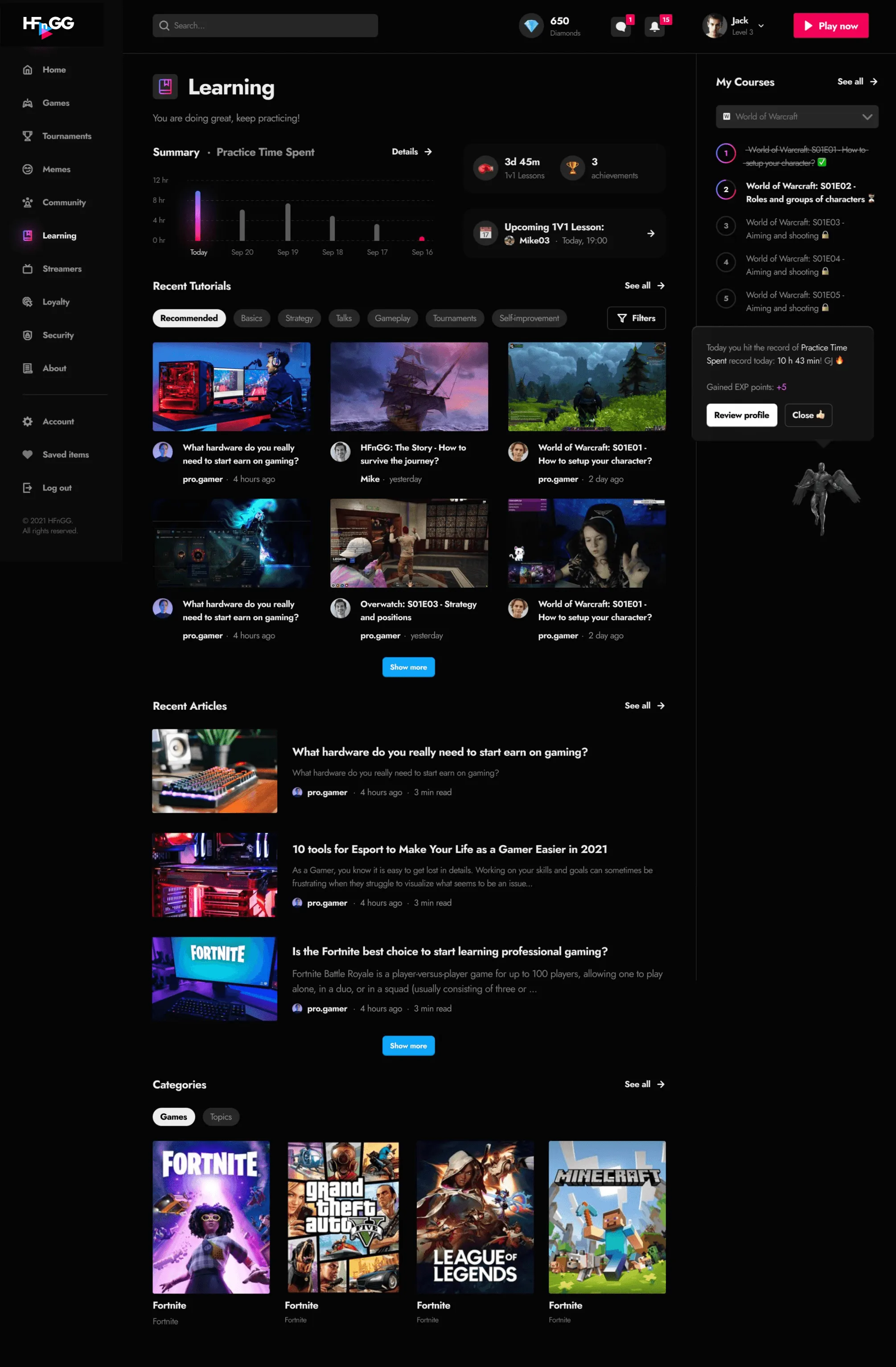
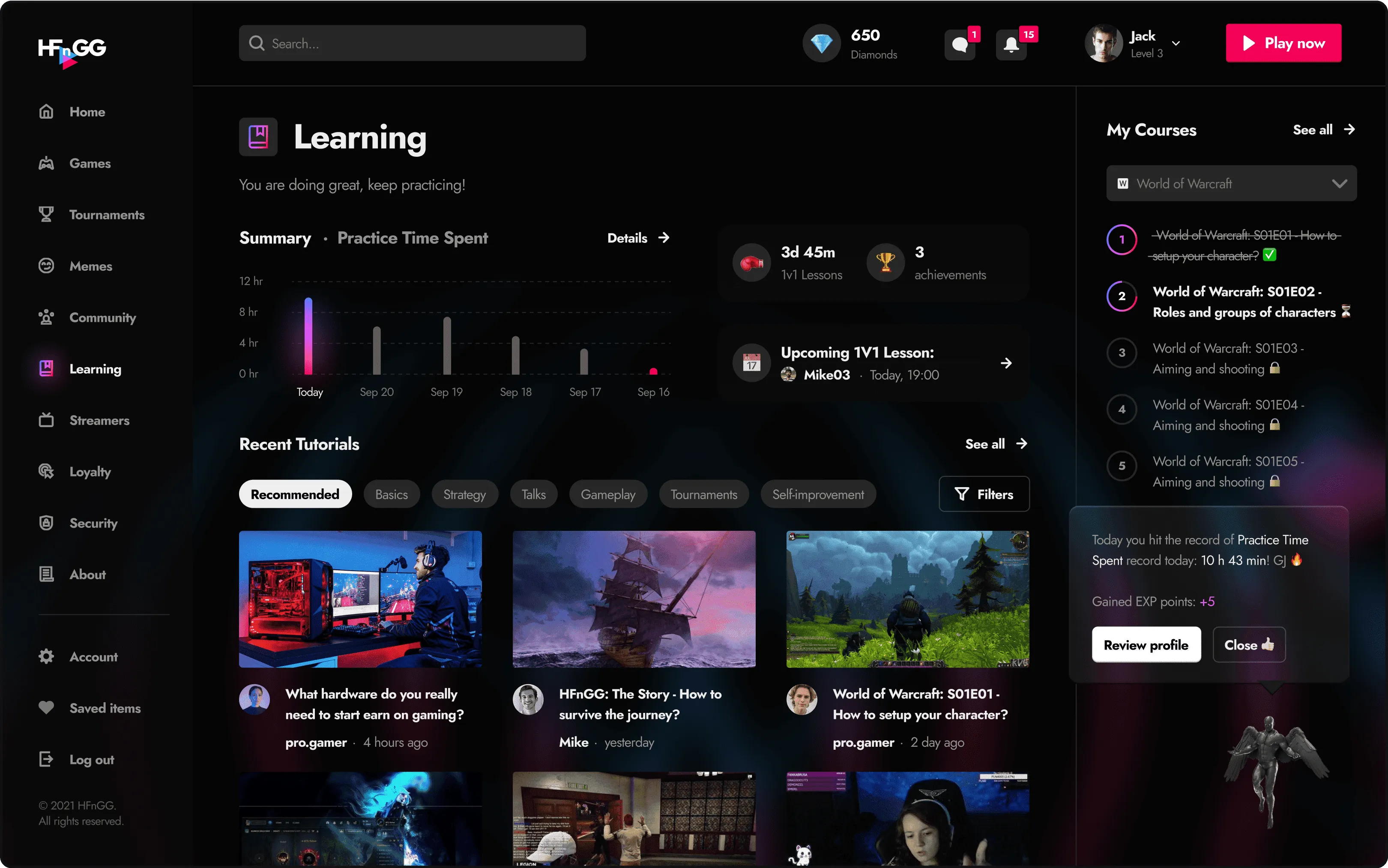
HFnGG learning dashboard with a practice time summary, recent tutorials and a course list

A starting point for new players

HFnGG combined gaming education with competitive play. The work shown here focuses on helping players get started, find learning content, and keep track of their progress.

Connecting onboarding with learning

I designed the brand, onboarding, learning dashboard, and course screens. The designs covered the first steps of creating a profile through to choosing a course and following its lessons.
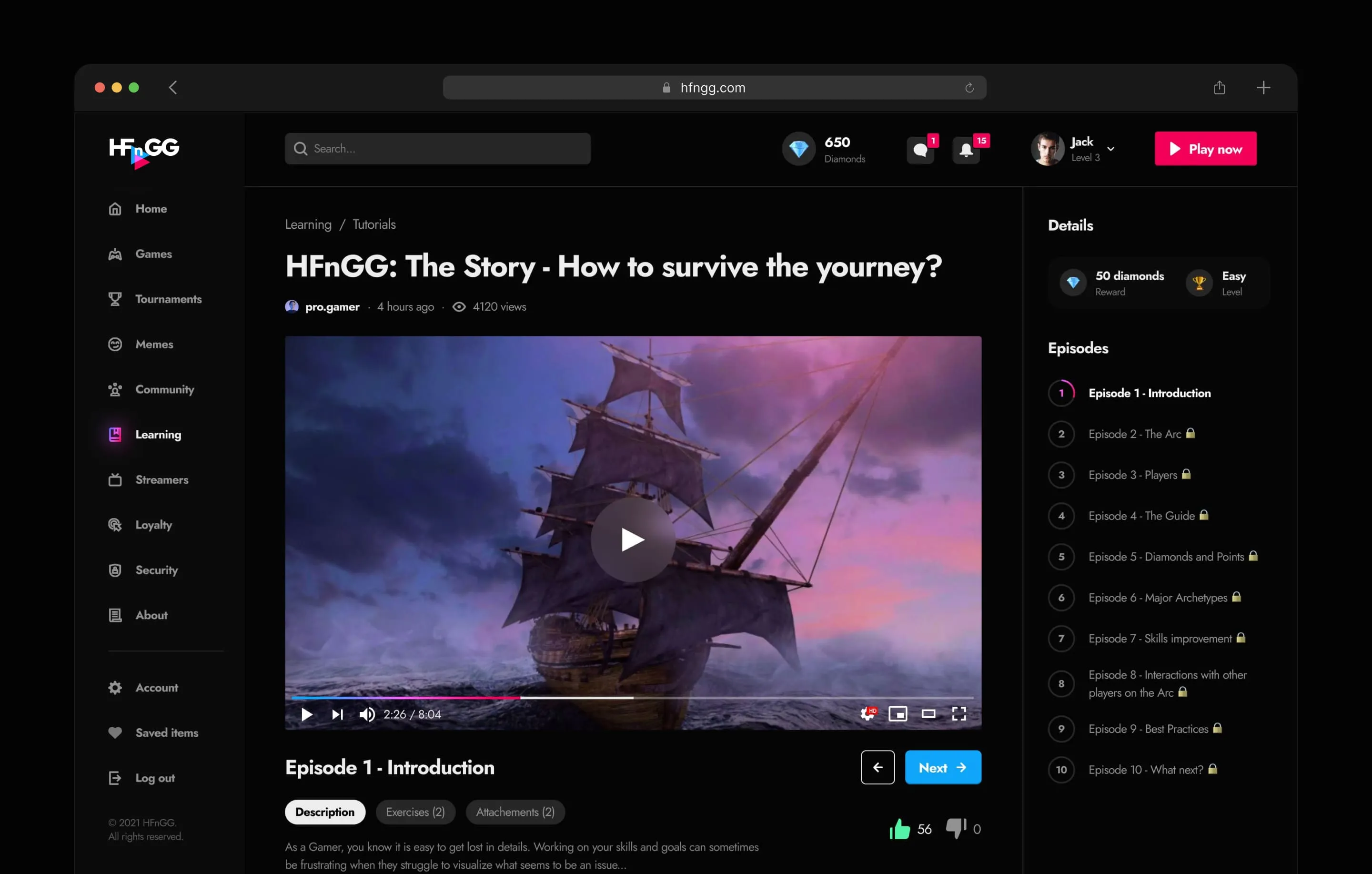
HFnGG course page in a browser window: video player with an episode list

Getting to know the player

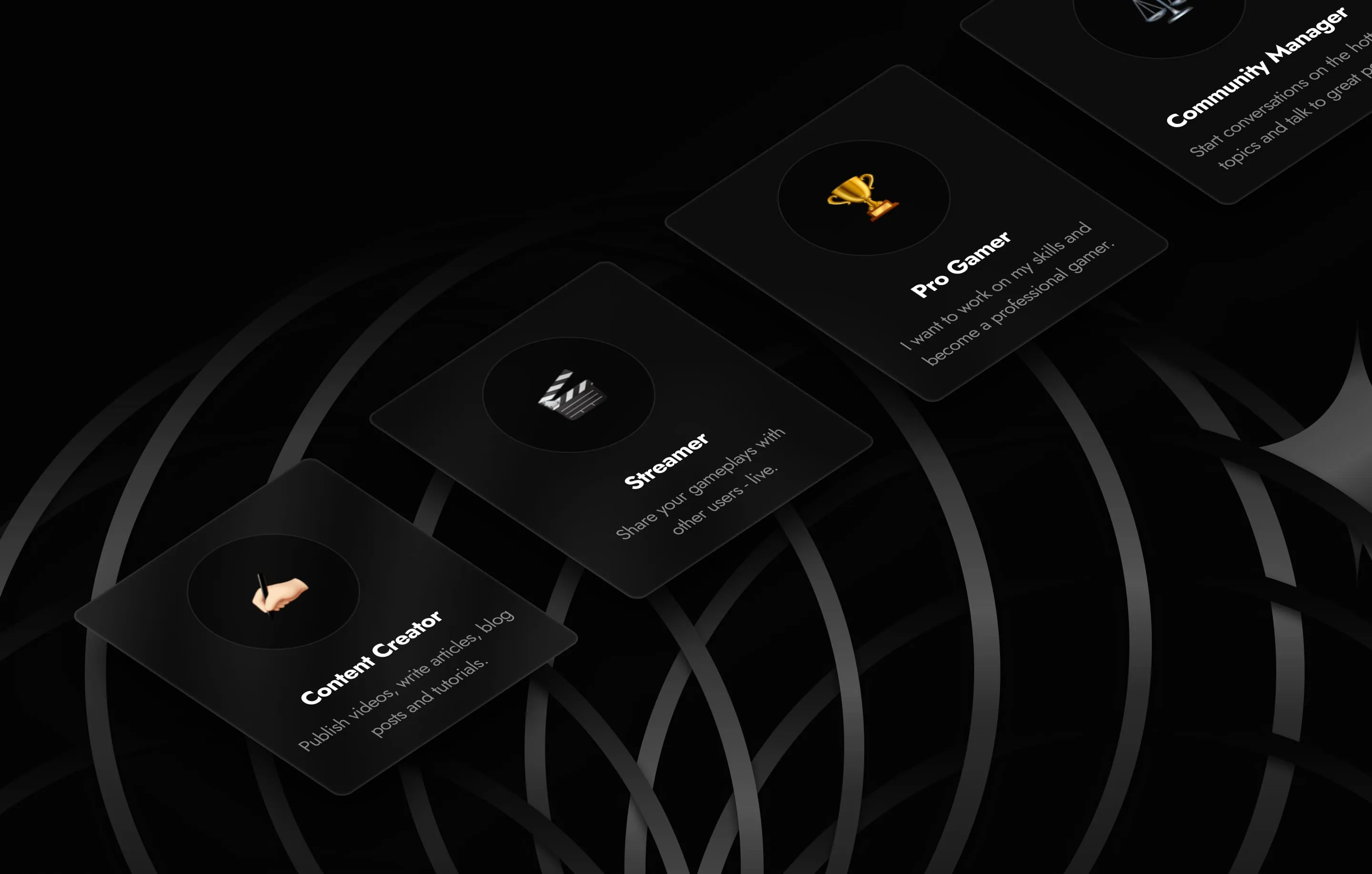
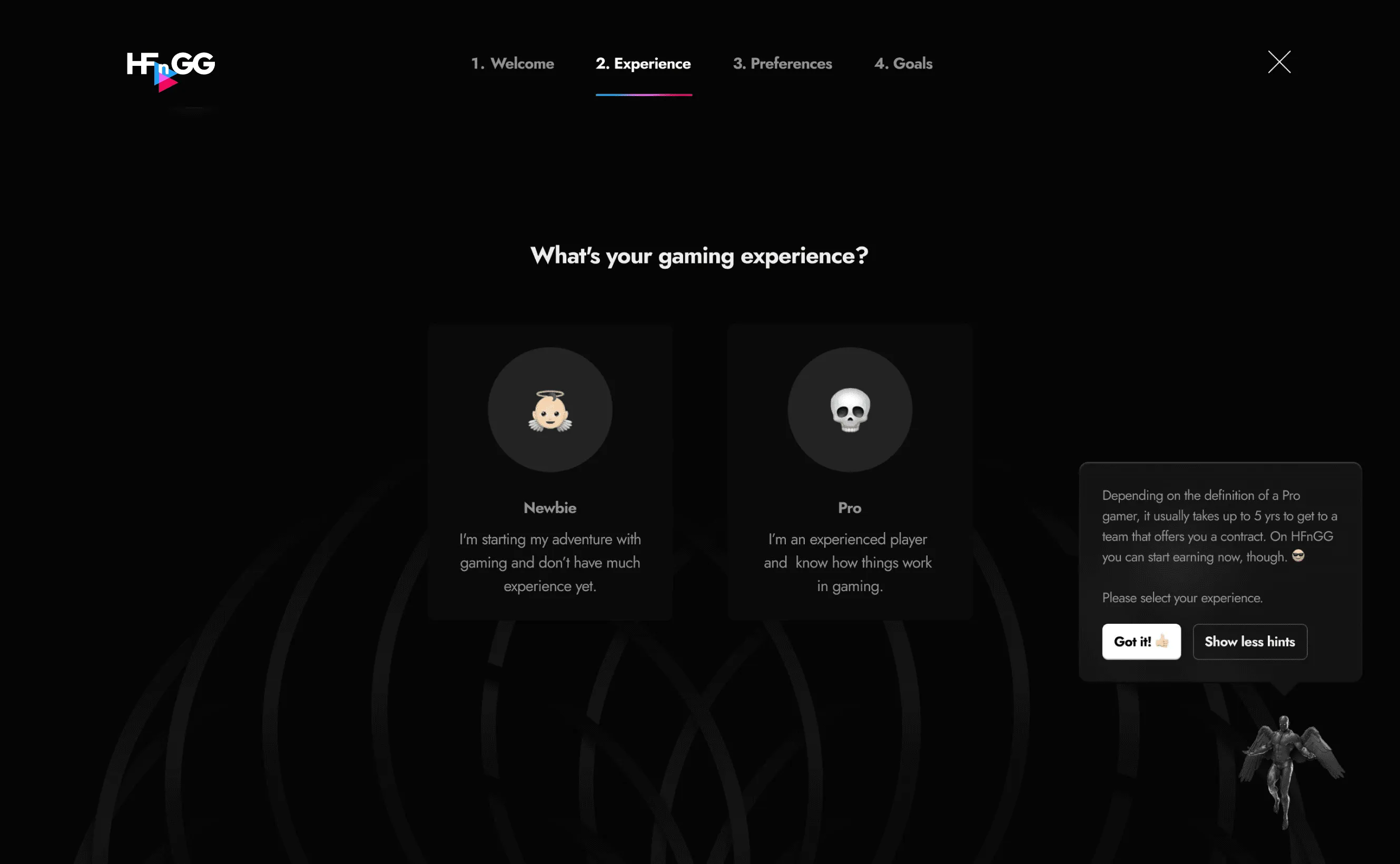
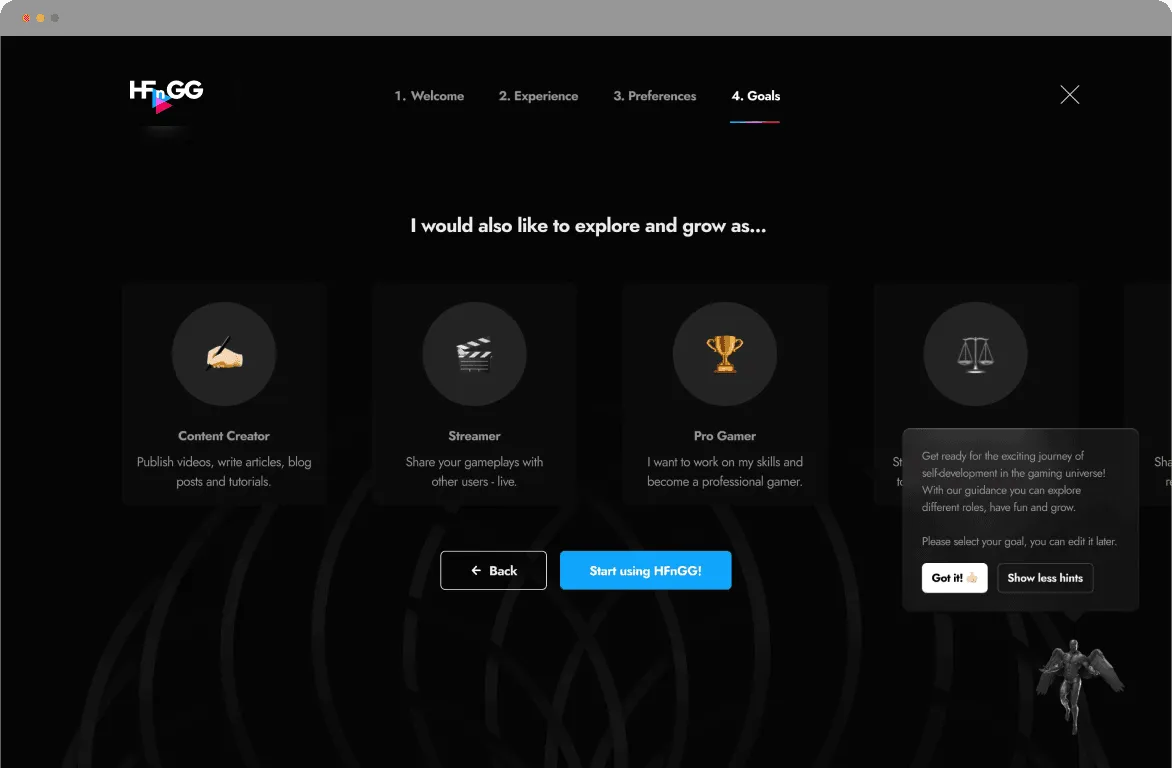
The onboarding asked players about their experience, interests, and goals. It covered different ambitions, including becoming a pro player, streamer, or content creator.

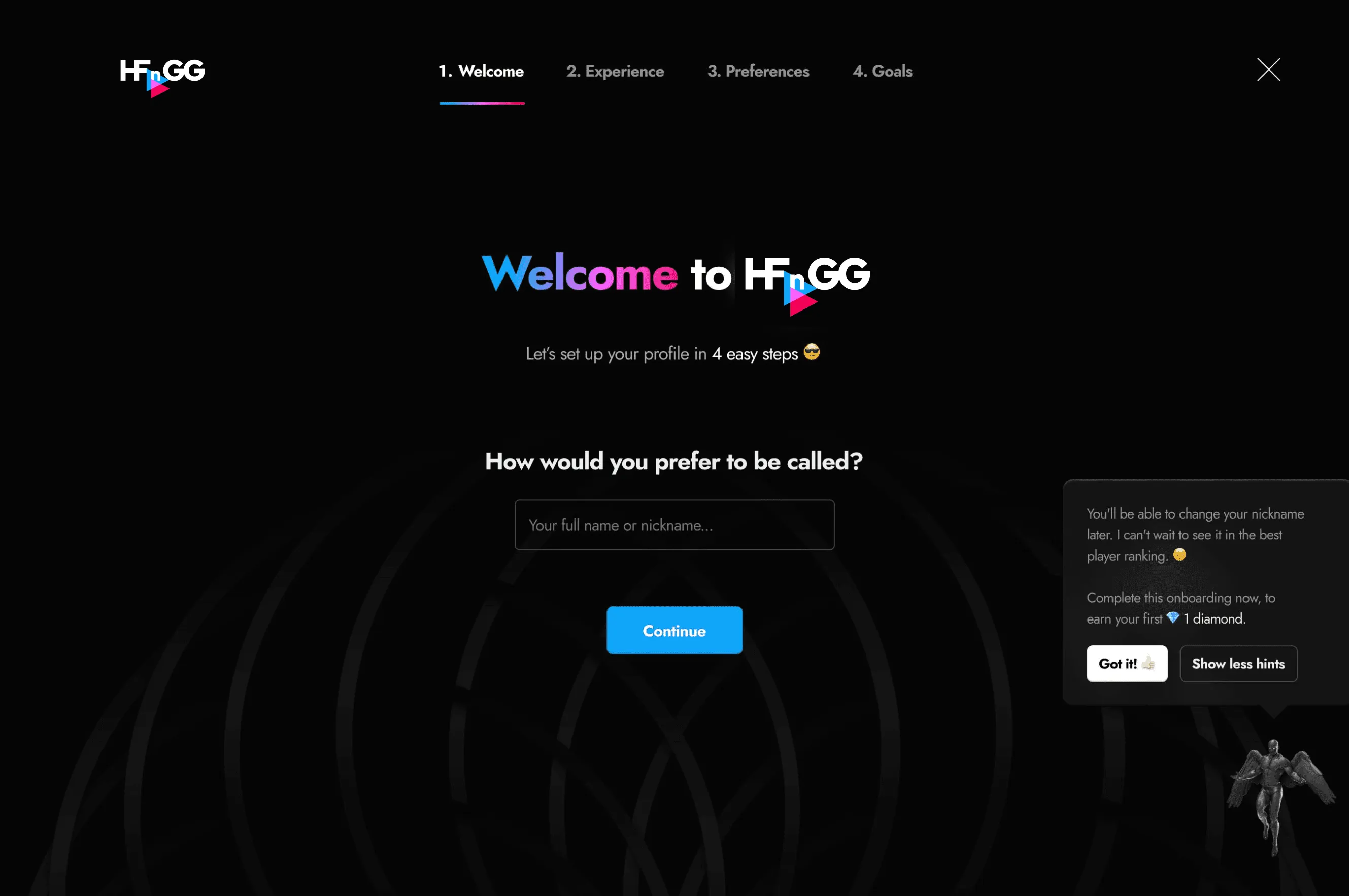
The questions were split across steps, with hints explaining the choices. The answers were then used to suggest courses.
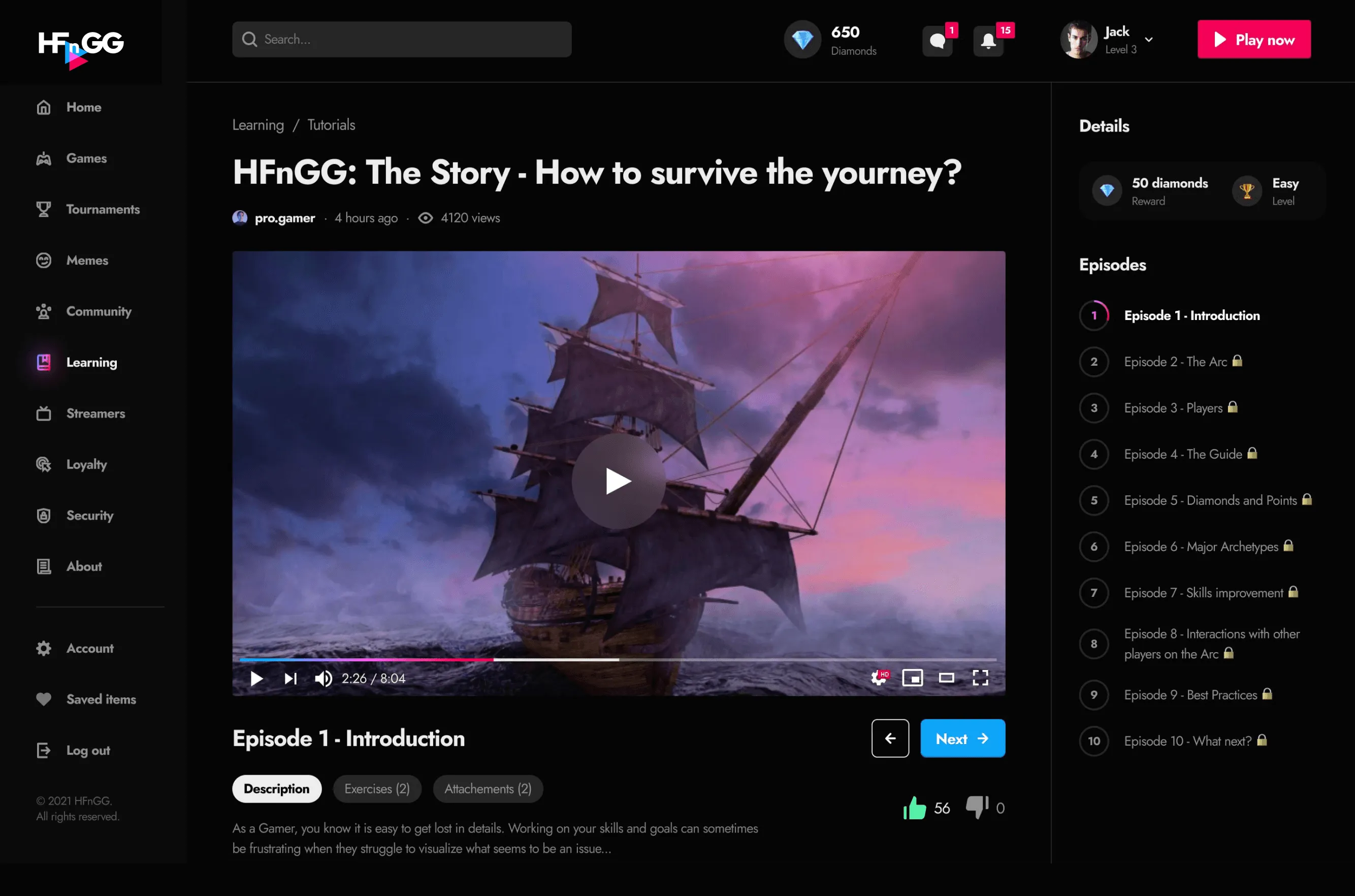
Course page with a video player and an episode list
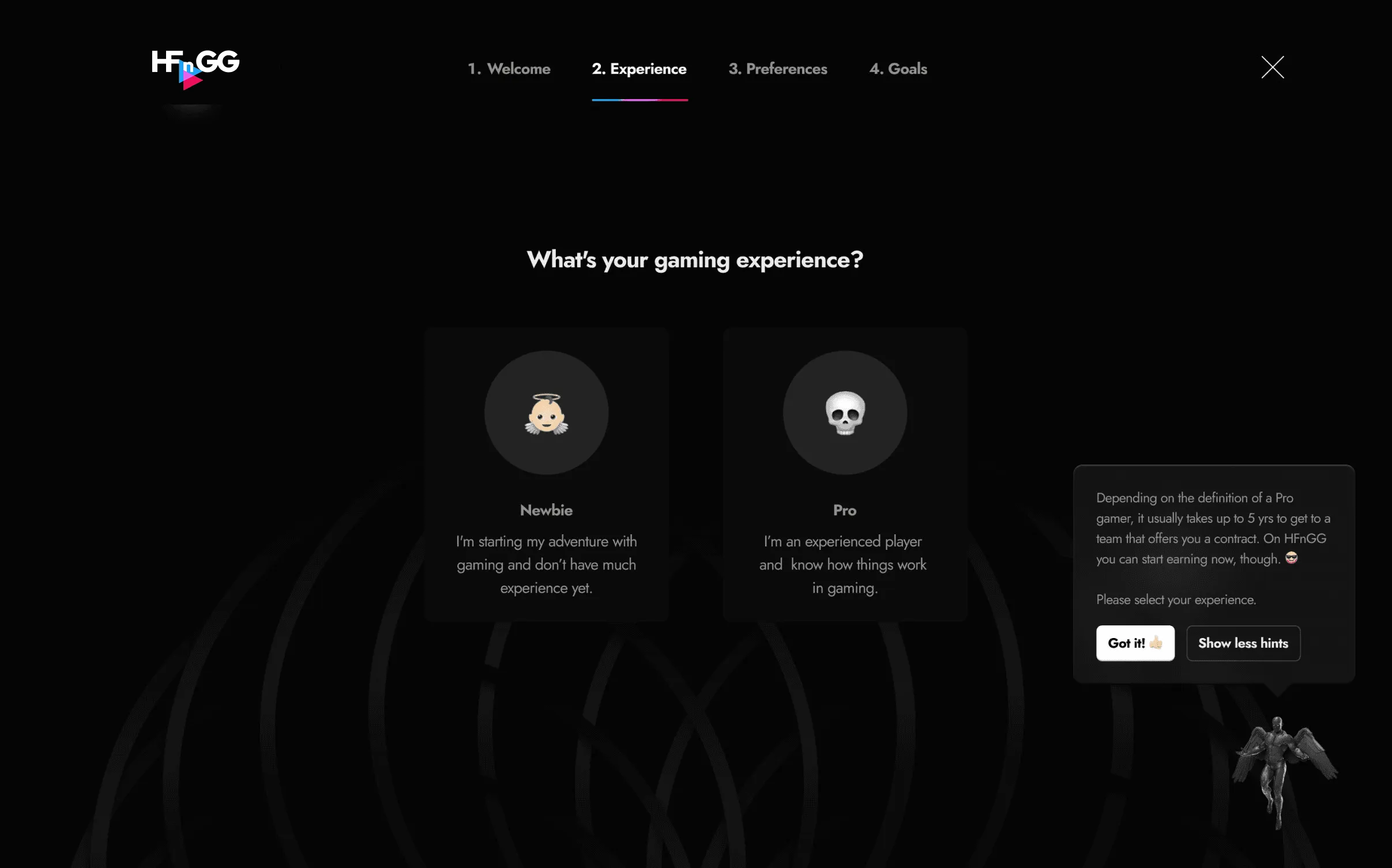
Onboarding step 2: choosing gaming experience, Newbie or Pro
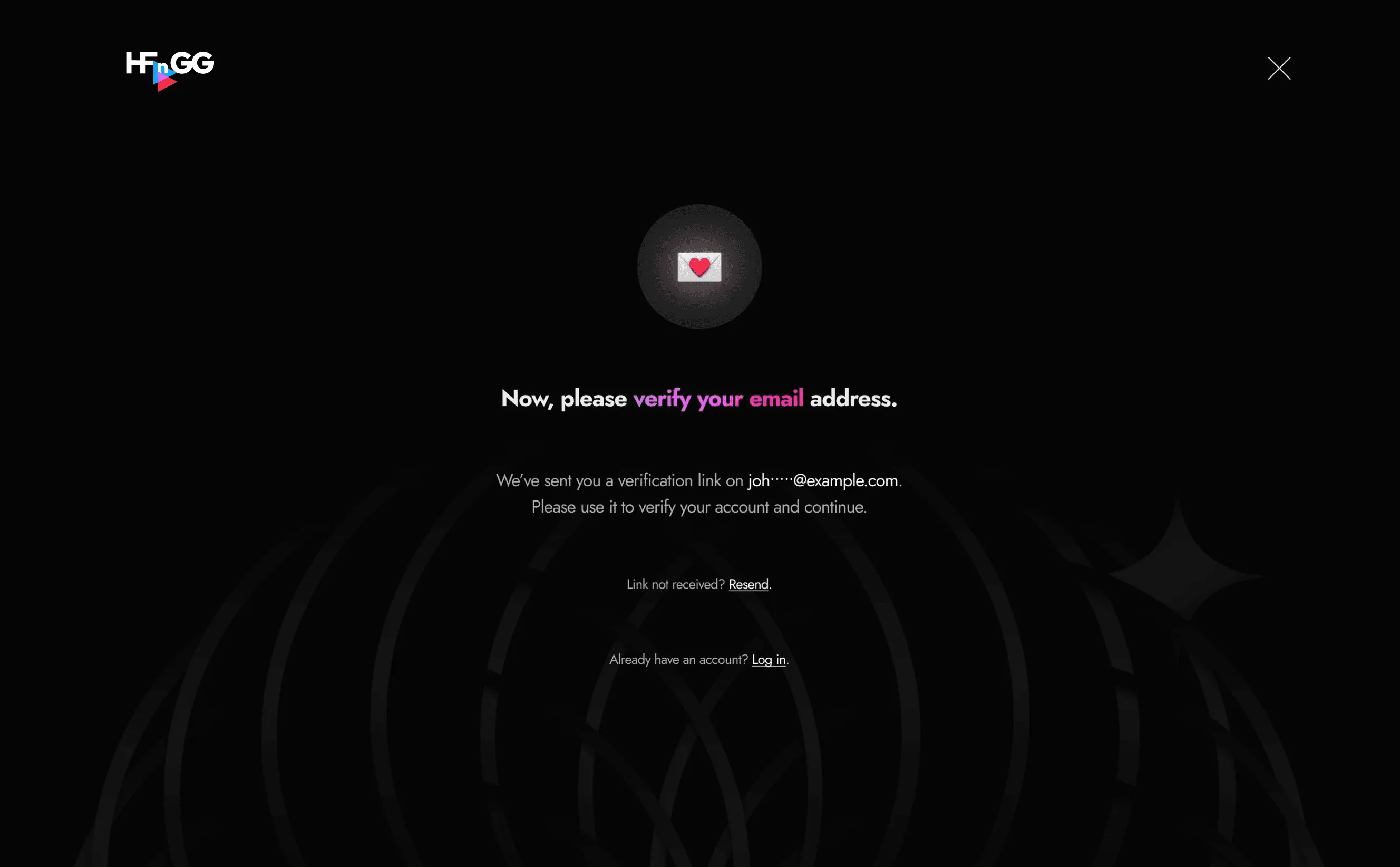
Email verification screen
Onboarding step 1: welcome screen asking for a nickname
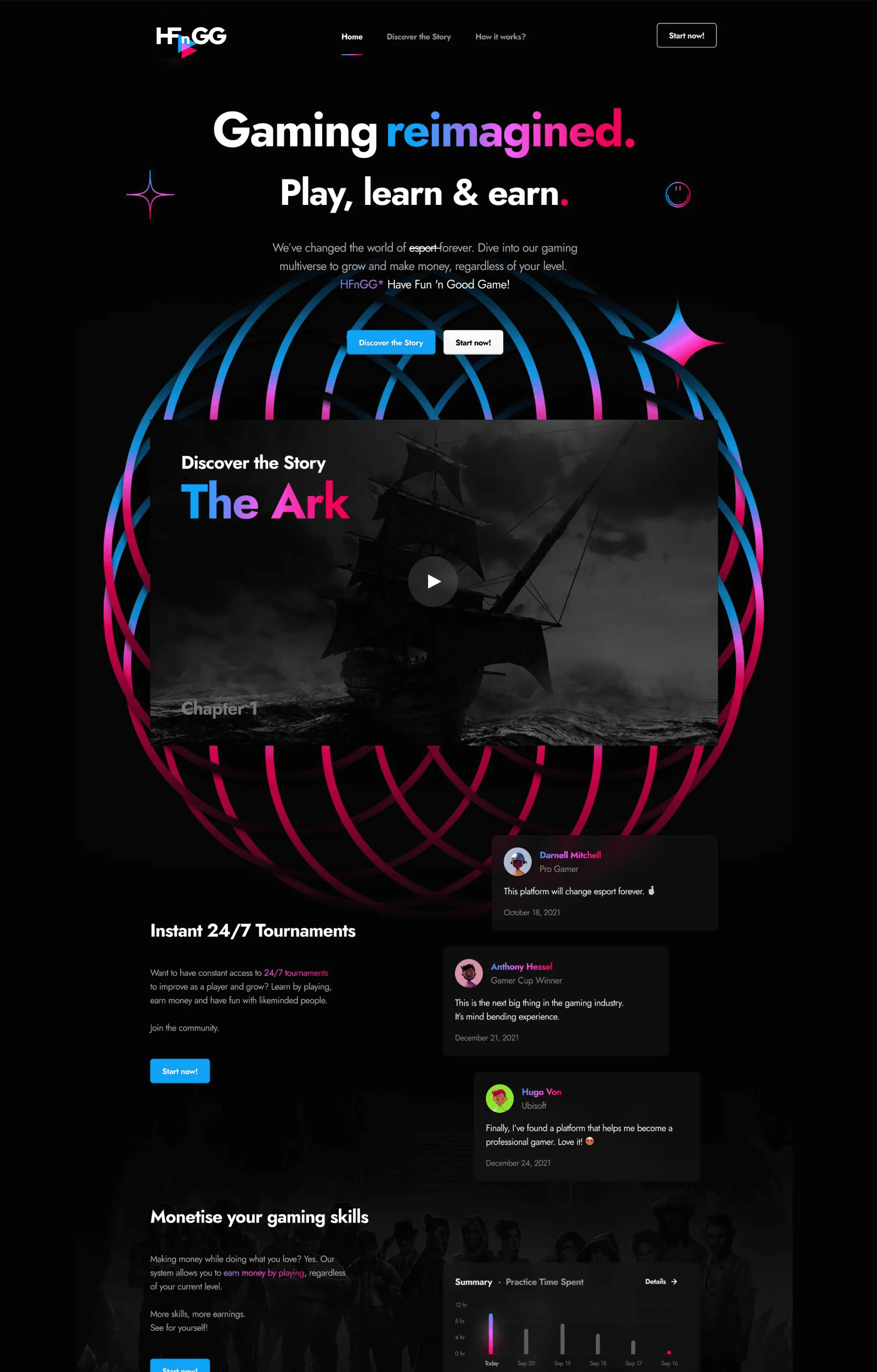
HFnGG landing page
Learning dashboard with tutorials, articles and game categories
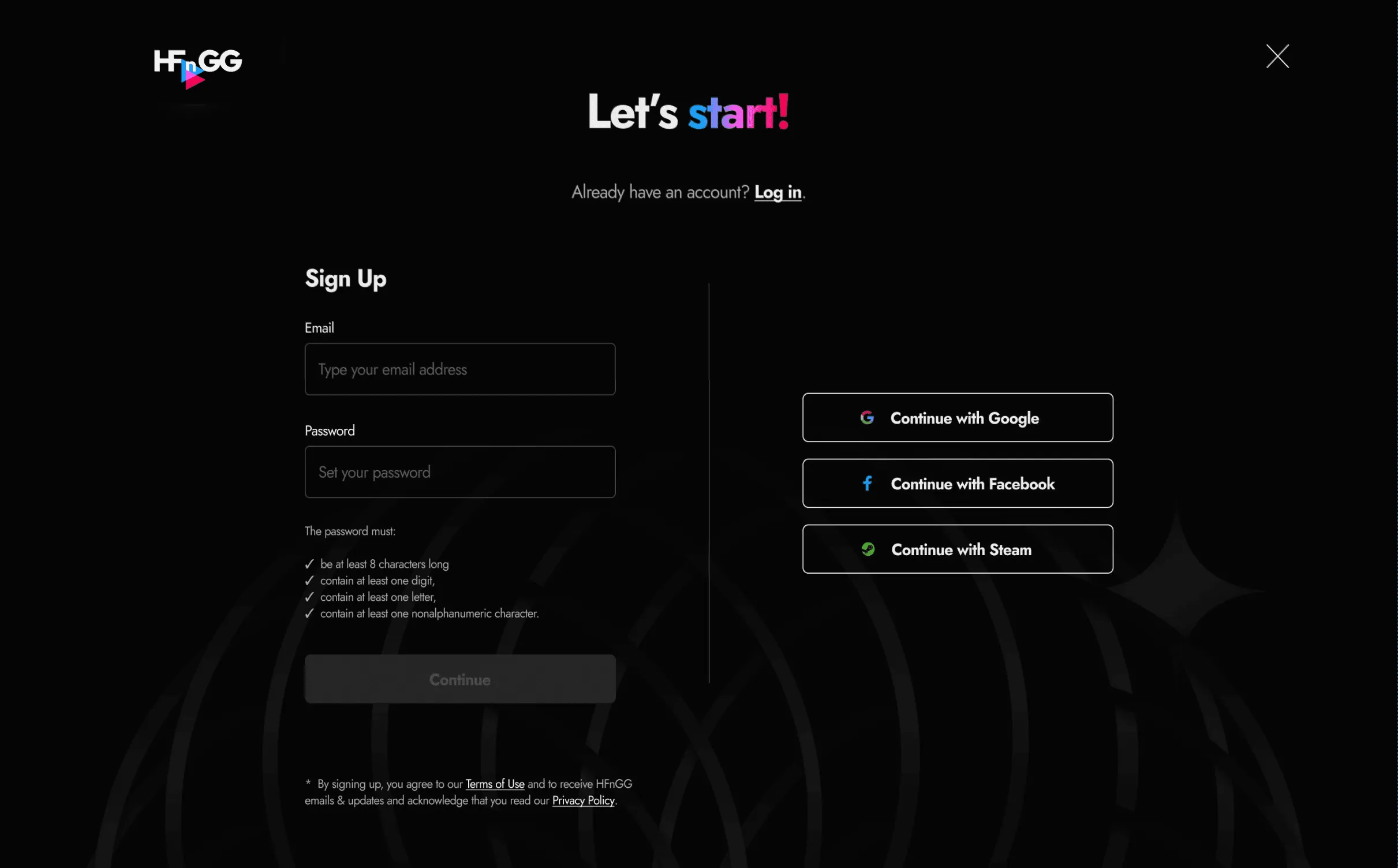
Sign-up screen with an email form and social login buttons
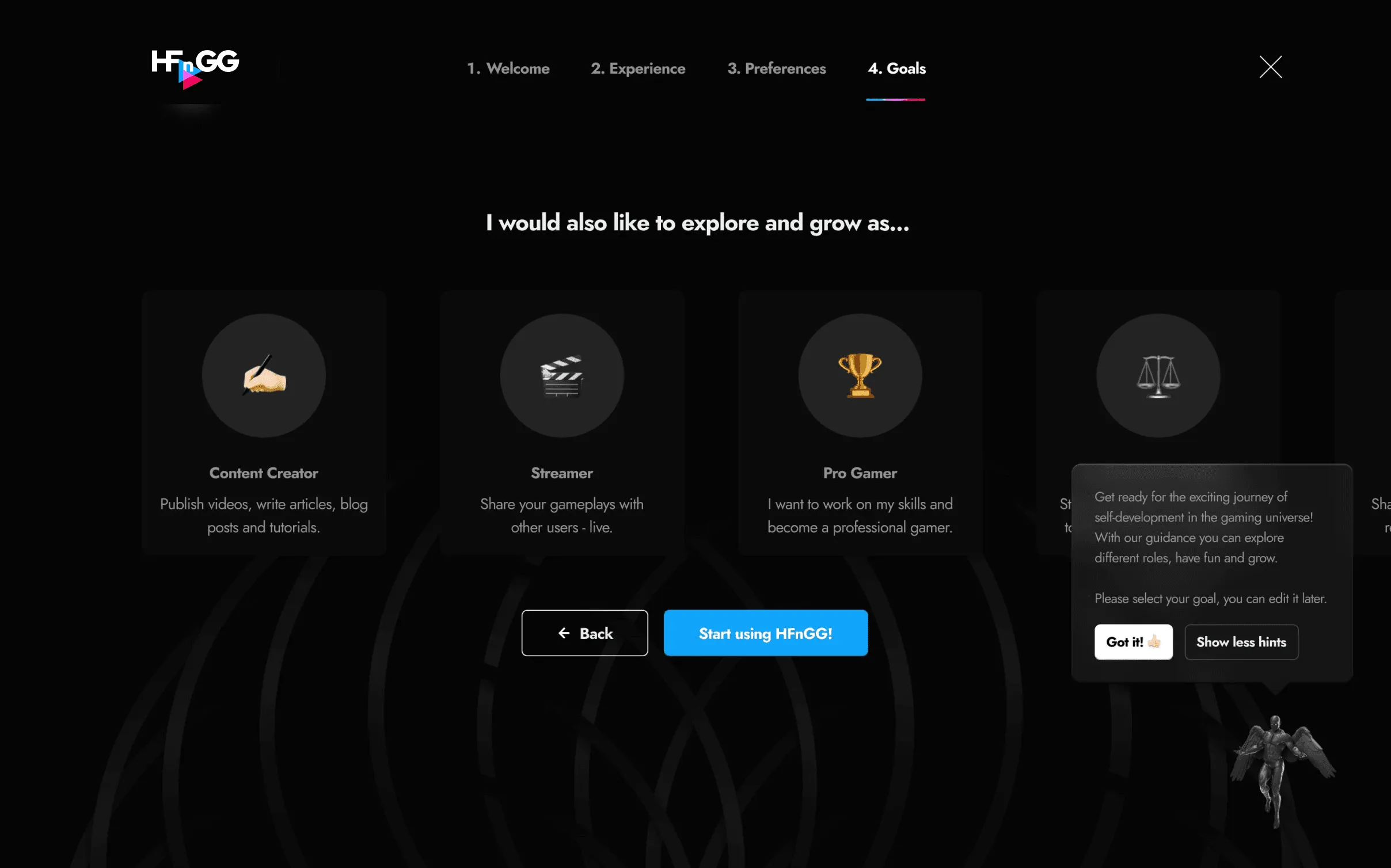
Onboarding step 4: choosing goals such as Content Creator, Streamer or Pro Gamer
Onboarding step 2: gaming experience selection with a hint panel
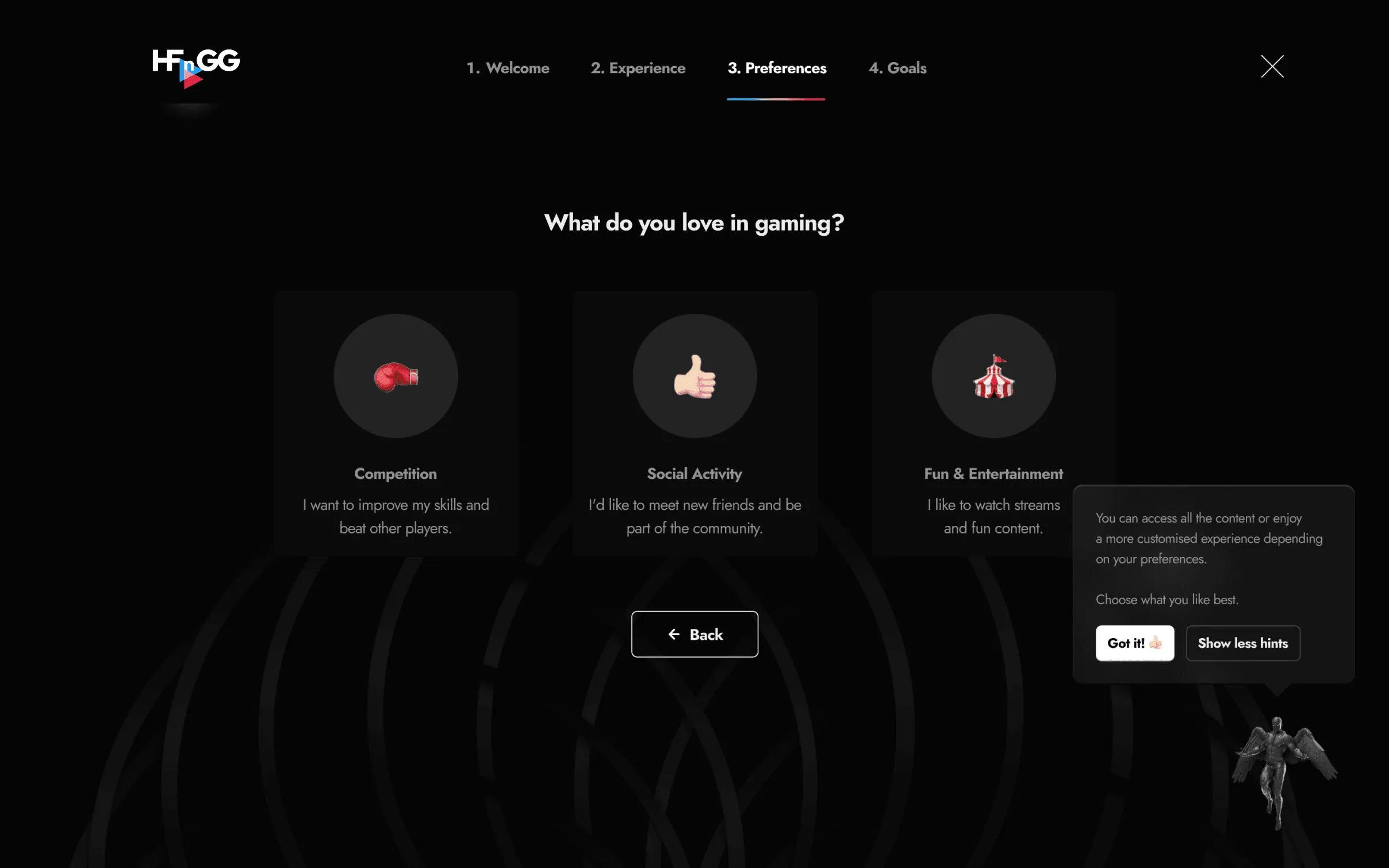
Onboarding step 3: choosing what you love in gaming

A shared visual language

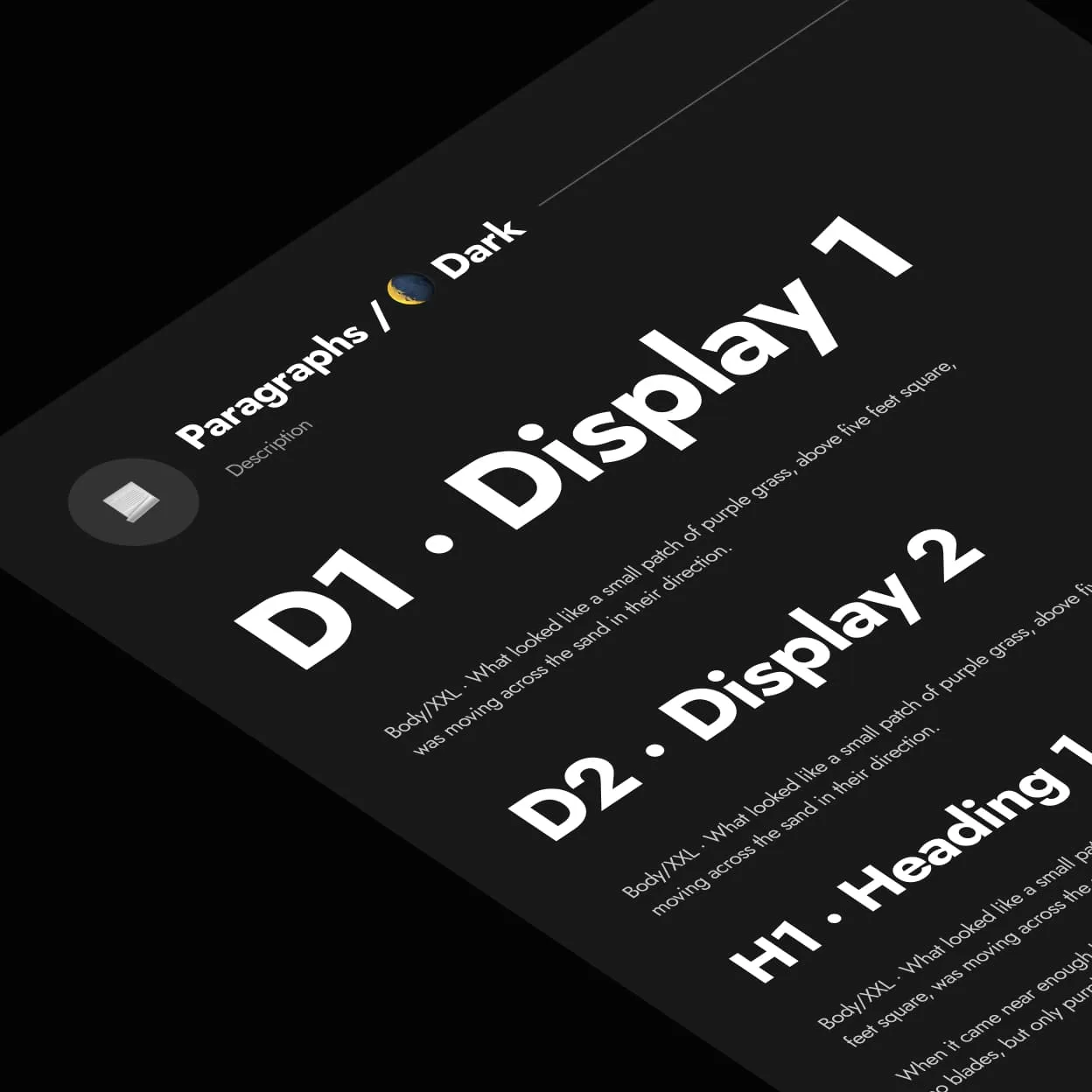
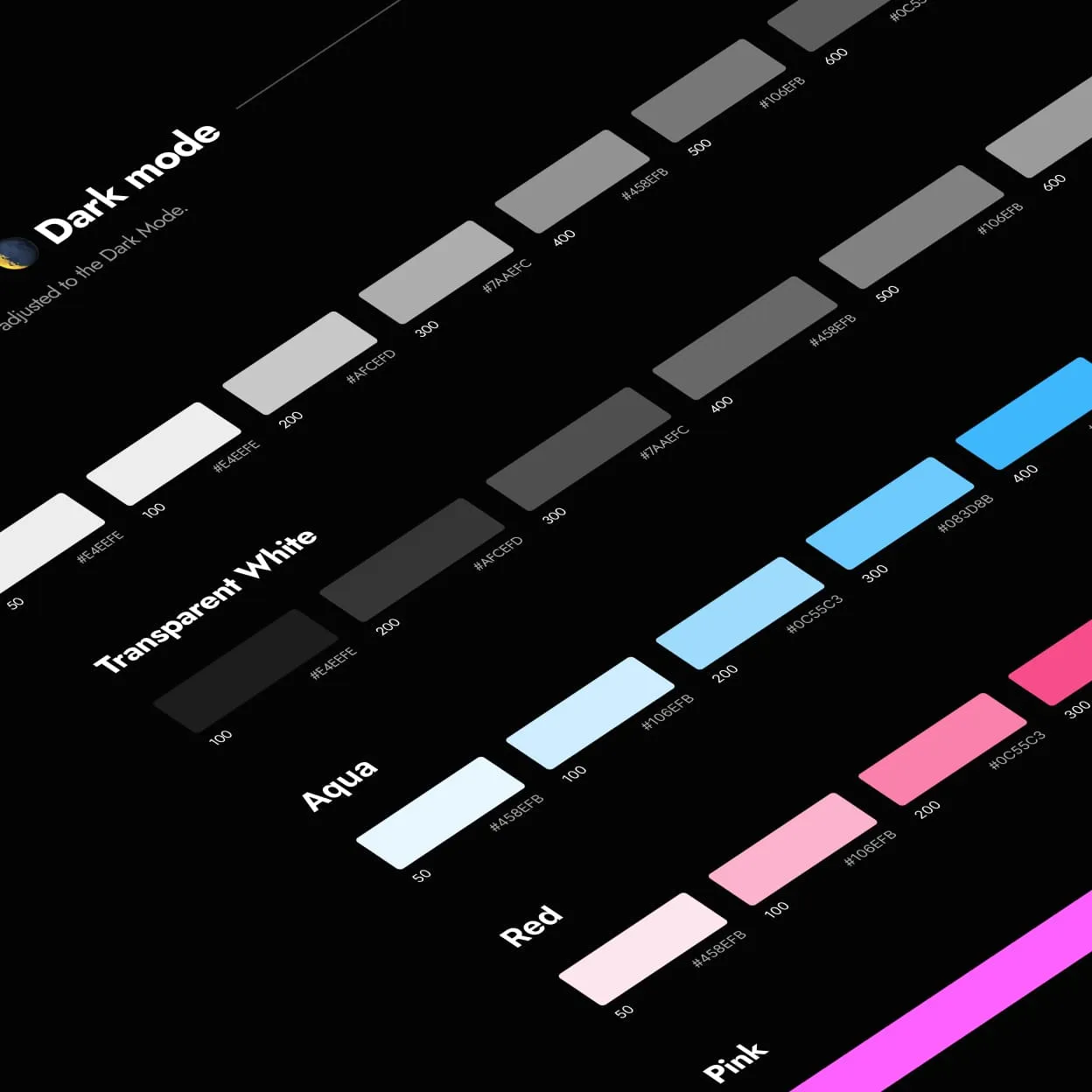
The interface used a dark colour palette with aqua and pink accents. I defined typography and button states to give the onboarding, course pages, and dashboard a consistent set of styles.
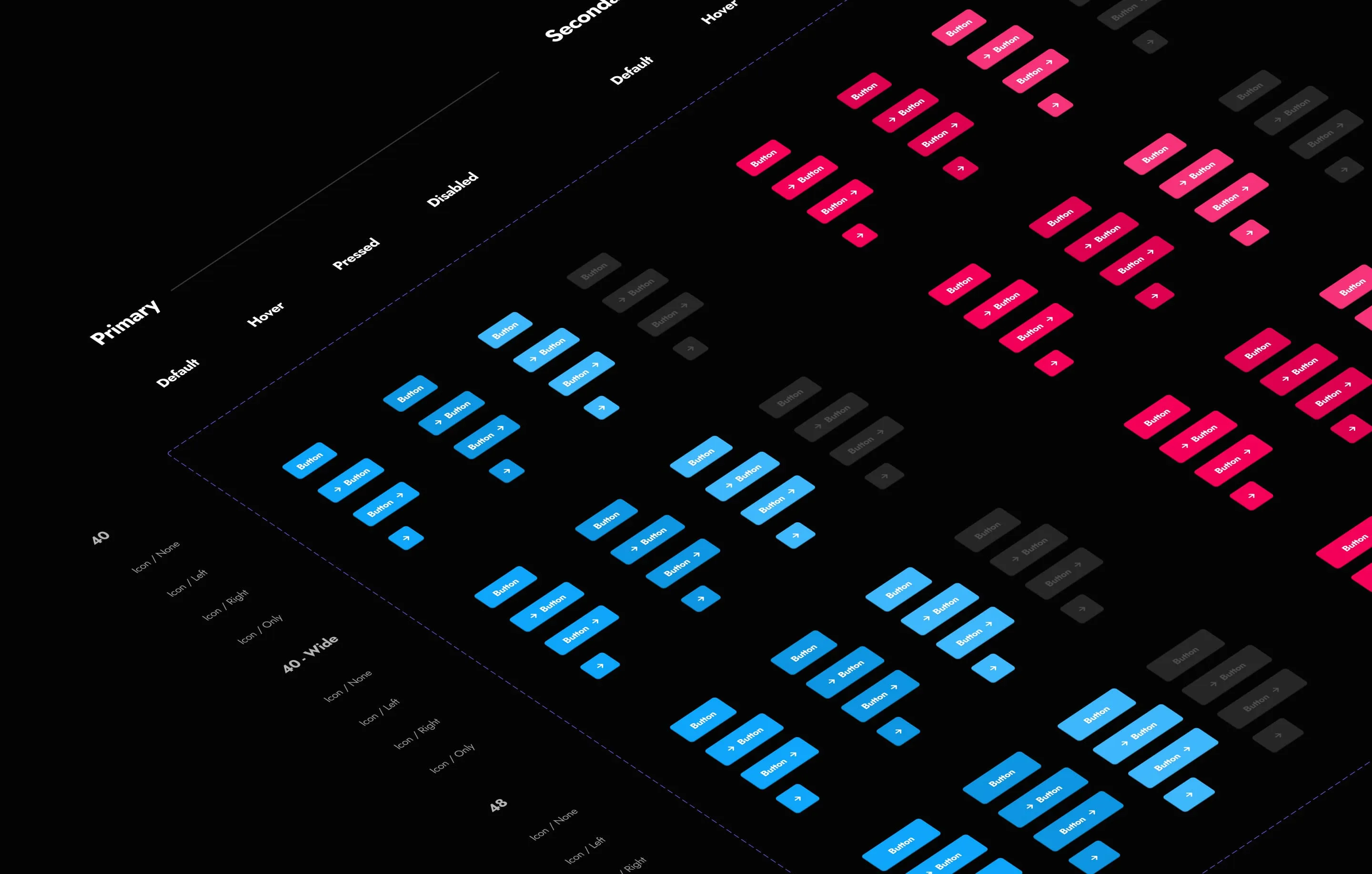
HFnGG landing page, full lengthOnboarding goals step in an app windowIsometric overview of primary and secondary button states
Dark theme typography styles: Display 1, Display 2 and Heading 1Dark mode colour palette: transparent white, aqua, red and pink scales

Making progress visible

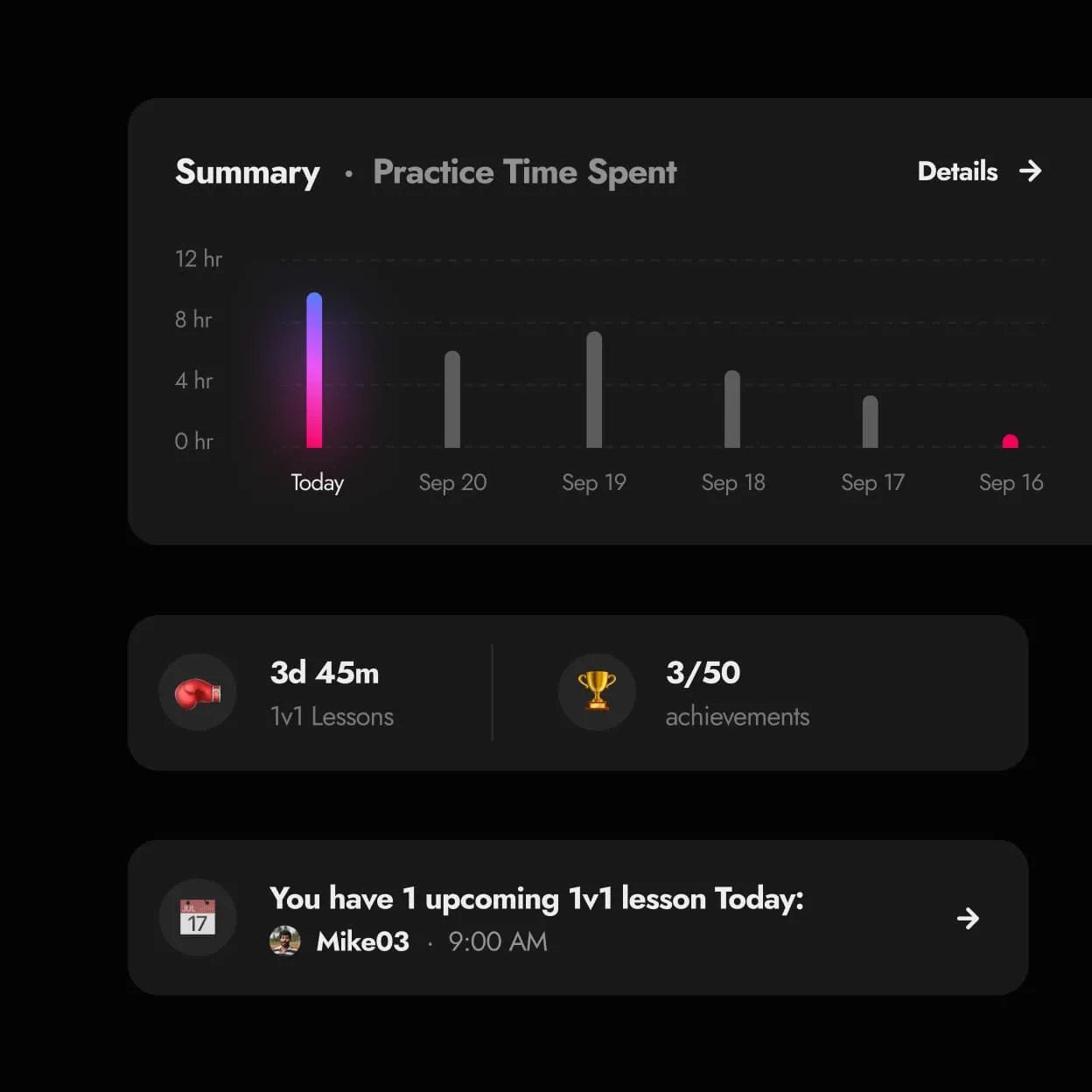
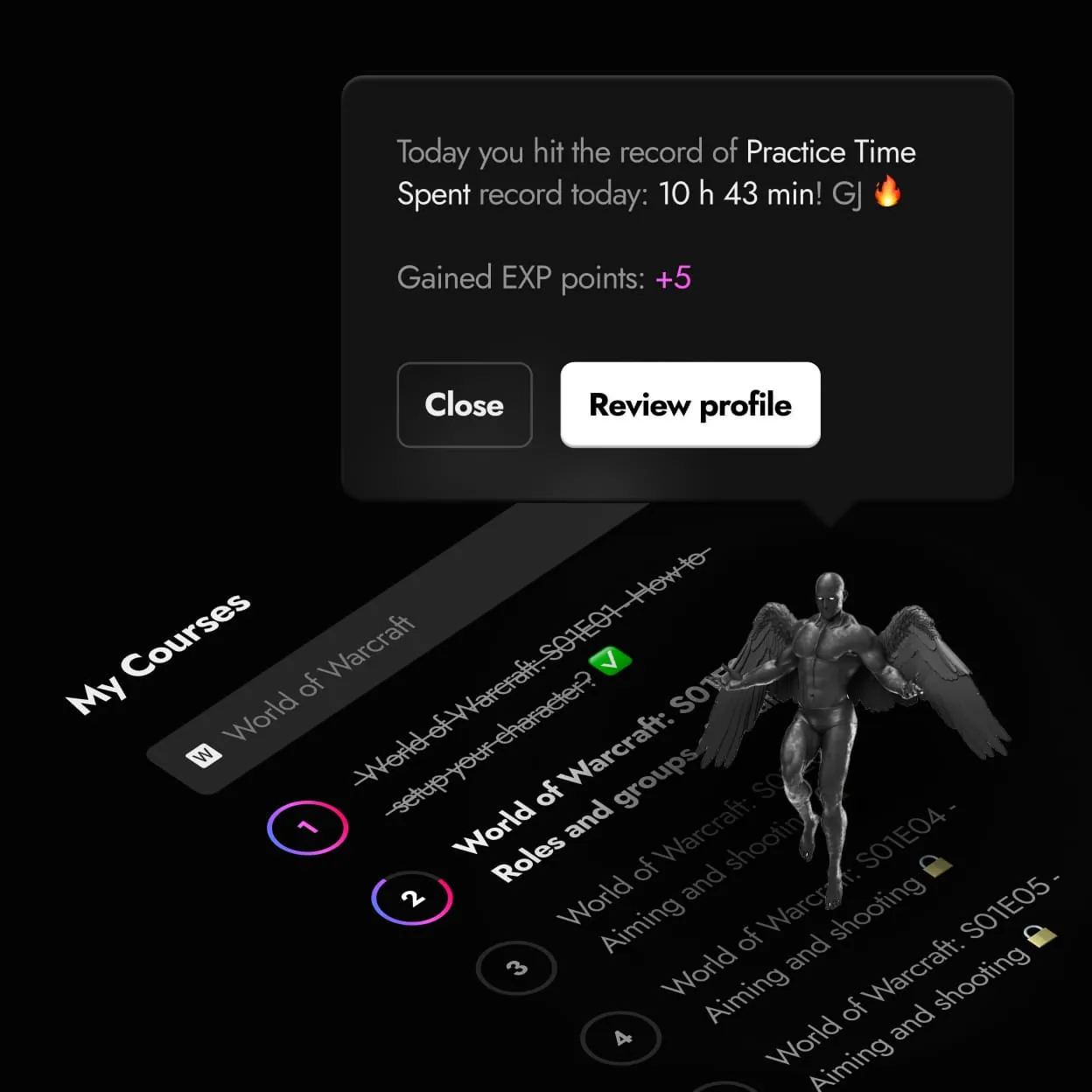
The learning dashboard brought courses, practice time, and achievements together. Course pages paired the video player with an episode list, while progress messages highlighted milestones such as a new practice-time record.

I used Joseph Campbell's hero's journey as a reference for how players progress.
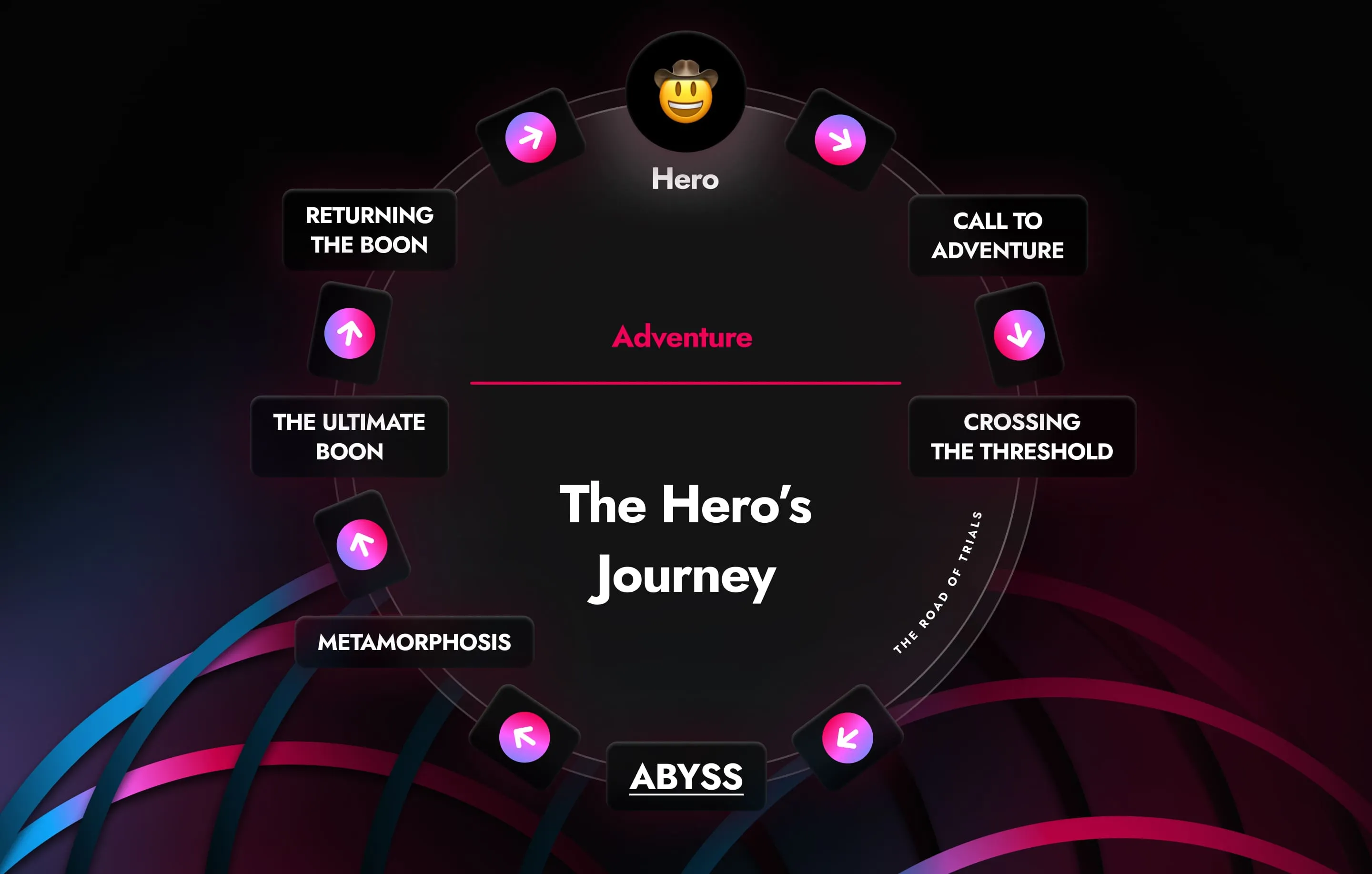
The Hero's Journey cycle: call to adventure, crossing the threshold, abyss, metamorphosis, the ultimate boon, returning the boonIsometric role cards: Content Creator, Streamer, Pro Gamer and Community Manager
Practice time summary widget with lessons, achievements and an upcoming 1v1 lessonMy Courses list with a tooltip announcing a practice time record